Customize AXIS Artwork.
Set up your branded AXIS in a few guided steps: choose a tank capacity and a custom device color, place your artwork inside the print zones, and submit. No dieline experience needed. The print zones are provisional until the factory confirms the printable area.
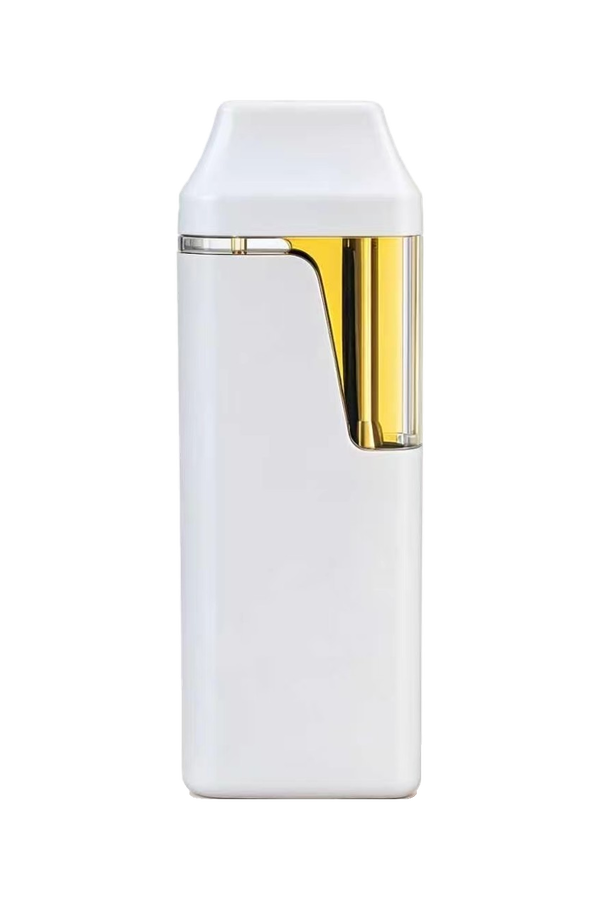
Device
Choose the tank capacity, then the housing color. AXIS is made in your custom color: pick a shade or enter a Pantone reference. The cap matches the housing or takes its own color.
Housing color
Enter the official Pantone reference, not a HEX value.
On-screen color is approximate. Your confirmed Pantone reference will be used for production.
Mouthpiece
Opaque cap · match the housing color or choose a custom color
Enter the official Pantone reference, not a HEX value.
The clear mouthpiece is tinted by the selected mouthpiece color.
Choose a custom housing color to continue.
Your Artwork
Each surface is set up independently; your original files are always submitted untouched.
You are setting up the front surface. Use the buttons above to switch.
This surface will be submitted as intentionally undecorated: no artwork is required here.
Artwork Colors
Colors detected in the artwork you uploaded above.
Have official brand colors? Add the Pantone reference so the factory can match them precisely. This does not change your uploaded artwork.
Position Your Artwork
Use the Front / Back toggle above the preview to work on each surface. Drag the artwork on the device and keep it inside the marked printing area. The marked boundaries are transcribed at 1:1 from the supplier Print Range drawing.
No artwork on this surface yet. Go to step 2 · Artwork and upload a file for this surface, or switch back to the other surface.
Choose based on your artwork. Logos and graphics require a minimum 6 × 6 mm size; text-only artwork can be as small as 1 × 1 mm.
Finish & Printing
Choose how your AXIS should be printed and finished. These apply to the whole device.
Select a printing method to continue.
Finish selections are recorded in your specification and are not simulated in the preview.
Remove artwork?
Selecting No Printing will remove the artwork currently added to this configuration.
Review & Submit
Check your configuration. Submitting sends PROXY a factory-ready branding specification for this build.